Choose a folder
Point the app at the folder you want to revisit. Only that folder is scanned.
 Your Oldest File
A private macOS app
Your Oldest File finds the earliest documents, photos, songs, and videos in a folder you choose — so the history of your Mac is a little easier to see.
See how it worksmacOS 10.15 or newer Intel + Apple silicon
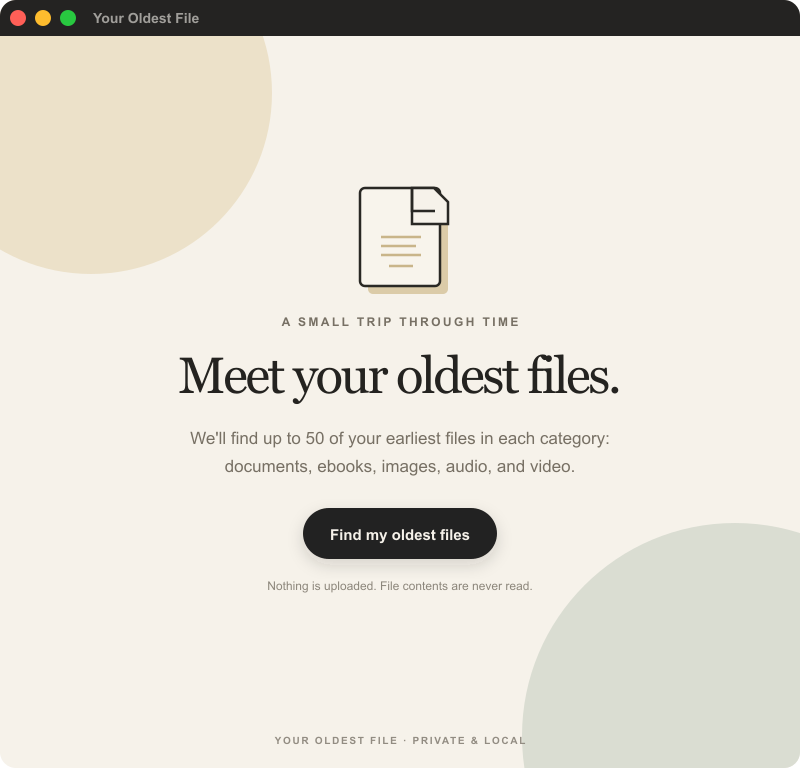
A quiet three-part ritual
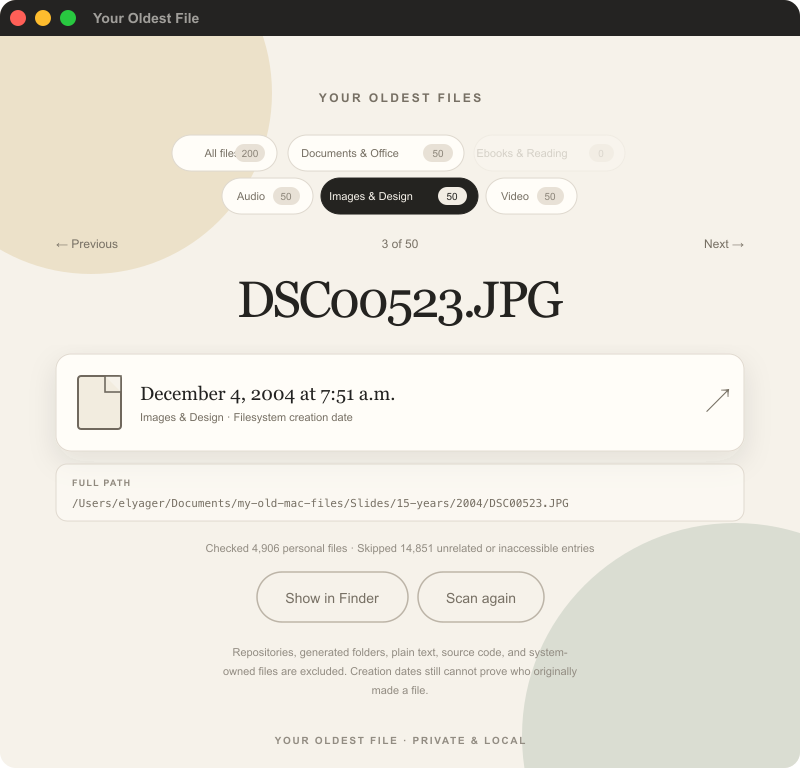
Everything happens in the small, focused window of the app: scan locally, move through the categories, and open whatever brings a memory back.
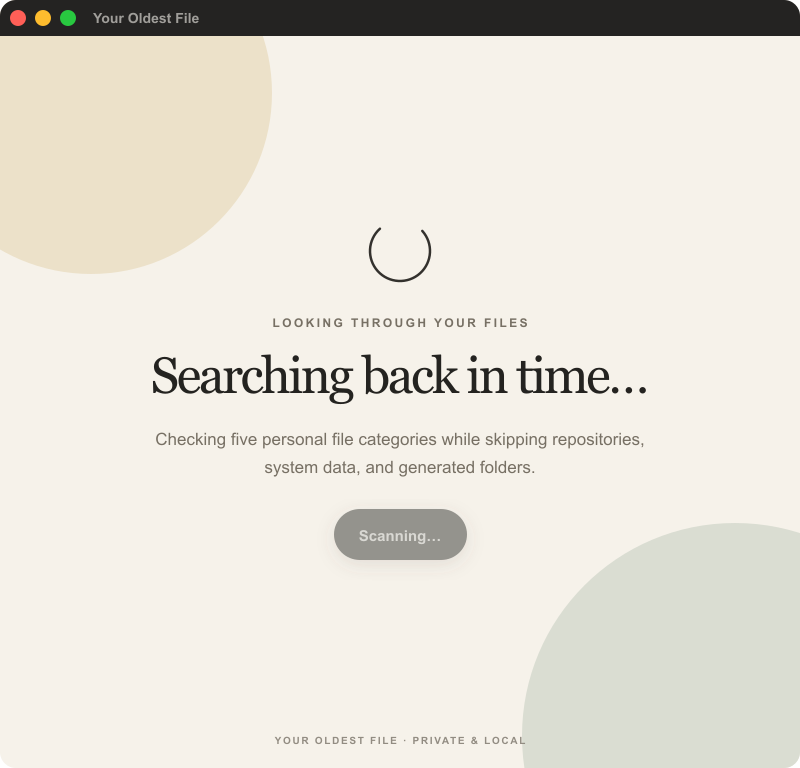
A small ritual for your folders
Point the app at the folder you want to revisit. Only that folder is scanned.
See up to 50 of the earliest files in documents, ebooks, audio, images, and video.
Open a file or reveal it in Finder when something catches your eye.
Private by design
The app reads file names, types, creation dates, and ownership metadata. It never reads file contents, uploads data, or stores your scan results.
Read the privacy policyLook back, without digging